Photo Management Software
Don’t let your best work stay buried in your camera roll
Your photos are your best marketing tool, but only if they’re ready to share. GlossGenius automatically organizes your portfolio by appointment, profile, and treatment with side-by-sides in seconds — so you turn more consultations into loyal clients.
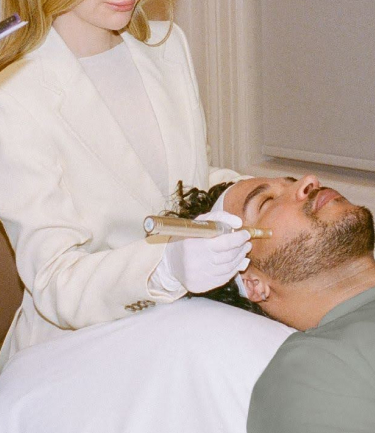
Your scattered photo library is costing you revenue
Hours lost to admin every week
Consults that don't turn into bookings
Upsell opportunities that slip away
“In aesthetics, you're constantly taking photos from every angle — before, after, side by sides. The volume adds up fast and managing it is a nightmare. GlossGenius Photos makes it feel effortless."
.jpg)
“Your business is only as good as your before and after photos. GlossGenius makes it easy to build trust with your clients, helping you come across as more professional and polished."
.jpg)
“I would’ve actually lost clients if I stayed on my old booking system. We’re all busy, and when booking takes so many steps, people just don’t follow through. With GlossGenius, it’s simple.”
Medspa Photo Management
Find the perfect photo in seconds
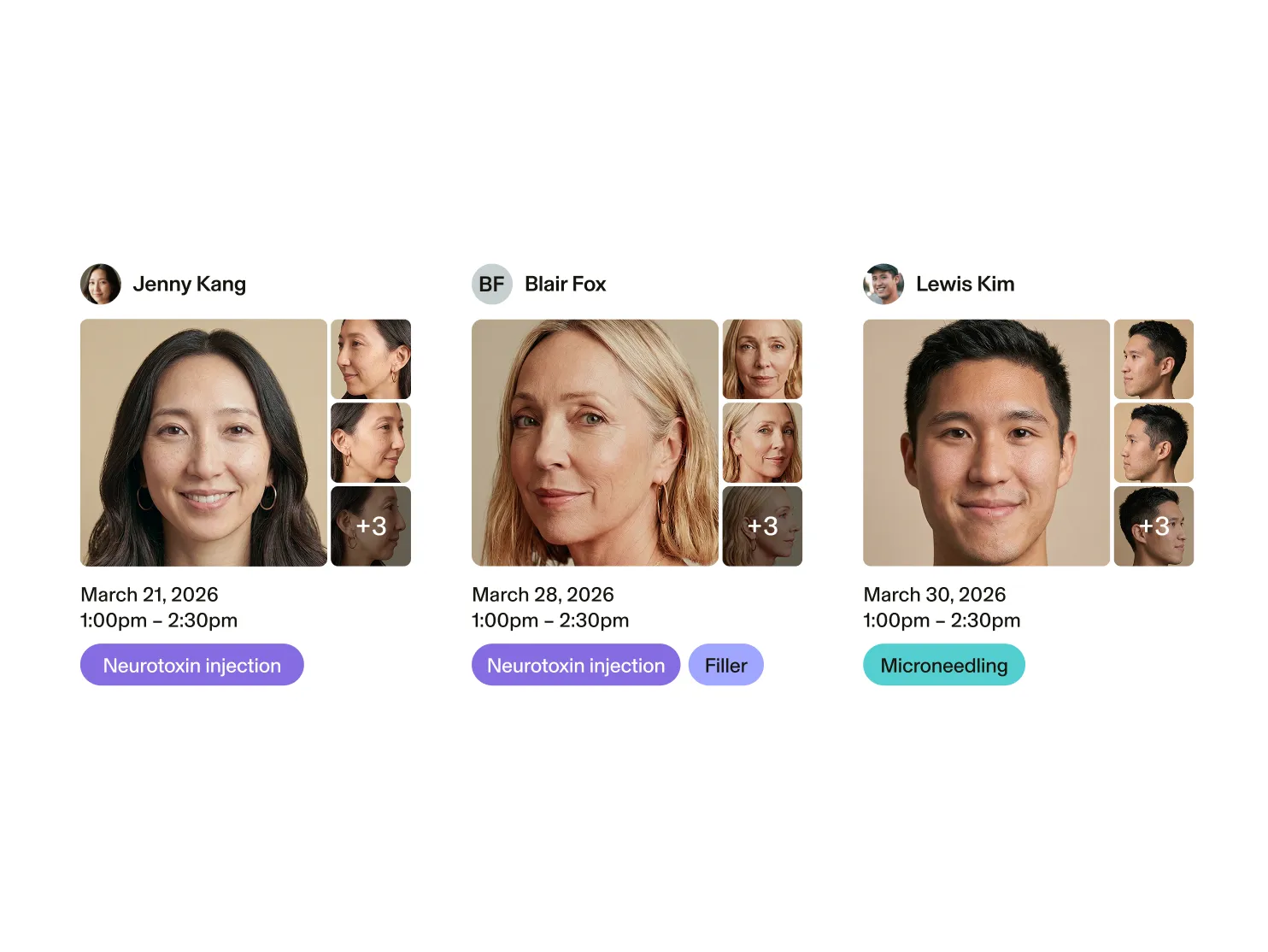
Still scrolling through your camera roll to find a client's progression? Bulk upload your photos, auto-sort by client and appointment, and filter by tags to find any photo in seconds.
Client Photo Markup for Medspas
Map and document every treatment in one place
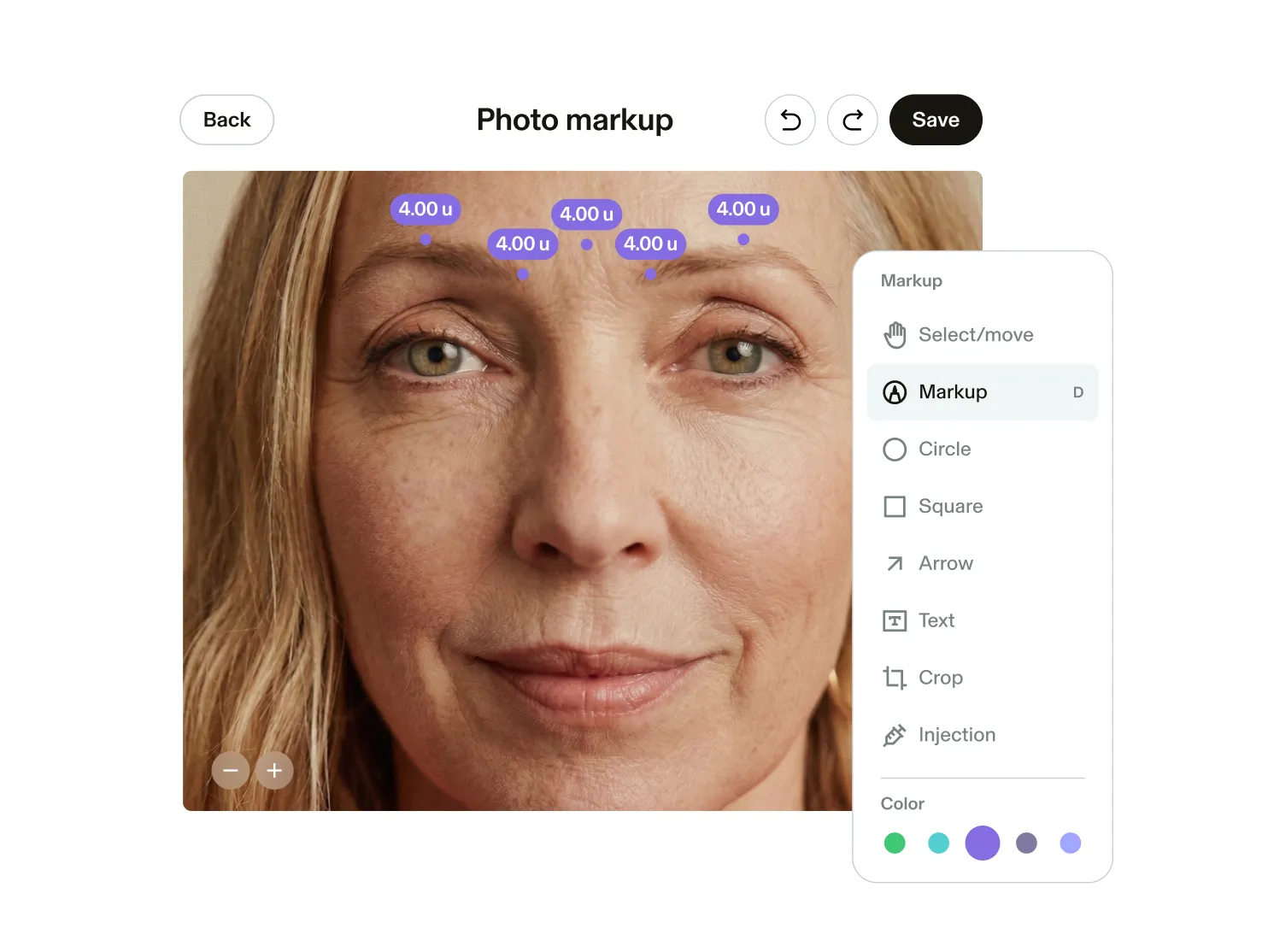
Plot injection sites, draw filler lines, and annotate product, units, and notes directly on the photo. Visual markup for complete charts and treatments so you can reproduce results every single time.
Medspa Before-and-After Photos
Every client detail, all together and secure
Manage and update client photos, markups, charting, and any important details with ease.
Switching to GlossGenius has never been easier
Sign up for our free data transfer service, and we’ll import all of your appointments, services, inventory, and client lists for you.
Grow more with GlossGenius
Frequently asked questions
Can I upload photos in bulk to GlossGenius?
Yes. Bulk upload lets you add multiple client photos at once, tag them by treatment area or date, and tie them directly to a client's profile and appointment — no one-by-one uploading required.
Does GlossGenius support before-and-after photo comparisons?
Yes. Select any two photos from a client's gallery and compare them side by side instantly. It's perfect for showing clients their transformation and keeping your documentation sharp.
Does GlossGenius have photo markup for injection sites?
Yes. The photo markup tool lets you plot injection sites, draw filler lines, and annotate product name, units, and clinical notes directly on the photo. Every markup is saved inside the client's chart automatically.
Is photo documentation built into charting?
Yes. Photos and markup live inside the client's chart — tied to the appointment, provider, and service. No switching between systems. No uploading twice. No piecing records together later. Learn more about Charting.
Do I need a separate app or subscription for photos?
No. Photos, markup, and before-and-after comparisons are all included in GlossGenius — no add-on cost, no extra software, no new logins.
Which plans have access to these features?
GlossGenius Gold and Platinum plans have access to auto-sort, tagging, filtering, and comparison tools in the Photo Gallery. To access the markup features, Medspa Essentials or Advanced is required.
How can medspas securely store before-and-after photos?
With GlossGenius, every photo is stored on a HIPAA-compliant platform — encrypted at rest and in transit, and tied directly to the client's chart and appointment record. Eligible businesses can sign a Business Associate Agreement (BAA) to meet HIPAA requirements for handling protected health information. No camera rolls, no third-party folders, no unsecured workarounds — your client photos stay where they belong, inside a system built to protect them.